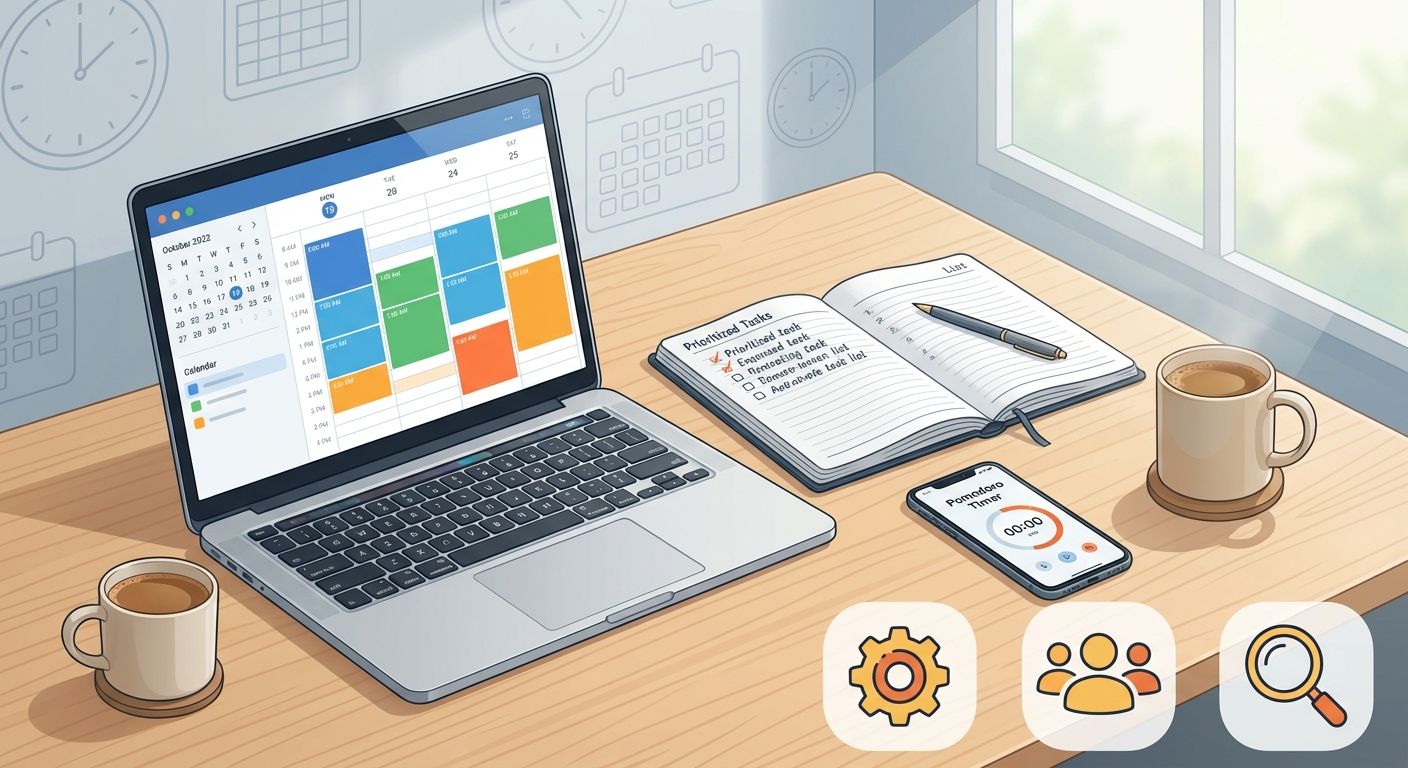
Time management is the single most important skill for turning intentions into results. Whether you’re a professional juggling projects, a student balancing classes and study, or someone trying to build better habits, mastering how you use your time multiplies outcomes without expanding your schedule. This guide gives you a comprehensive, practical roadmap to organize work, protect focus, and finish high-impact tasks consistently.
Why effective time management matters
Good time management is not about filling every minute: it’s about making conscious choices so your energy and effort align with what matters most. Research shows that focused work and priority-setting increase output and reduce stress — see resources from Harvard Business Review and the American Psychological Association on attention and productivity.
Core principles to guide your time management
- Prioritization: Not all tasks are equal. Distinguish urgent from important.
- Time blocking: Reserve uninterrupted periods for deep work.
- Batching: Group similar tasks to reduce context switching.
- Single-tasking: Focus on one high-value task at a time.
- Automation and delegation: Eliminate repetitive work and pass tasks others can do.
- Measurement: Track how you spend time and iterate.
Practical techniques and how to apply them
1. Prioritize with the Eisenhower Matrix
Use the Eisenhower Matrix (urgent-important) to categorize tasks into four quadrants: do, schedule, delegate, and delete. Start each day by listing top 3–5 priorities that are both urgent and important or important but not urgent. This keeps your focus on high-impact work instead of reactive tasks.
How to implement
- List everything you must do today.
- Label each item as Urgent/Not Urgent and Important/Not Important.
- Assign the top 3 tasks to your first time block (see Time Blocking below).
2. Time Blocking for deep work
Time blocking is scheduling specific blocks of time for discrete activities (e.g., deep work, meetings, admin). Treat these blocks as appointments with yourself. Blocks should be protected: no email, no messaging, no multitasking.
How to implement
- Break your day into blocks (90–120 minutes for deep work; 25–45 minutes for focused tasks if you prefer shorter bursts).
- Place your most demanding tasks during your peak energy windows (morning for many people).
- Use calendar tools (Google Calendar, Outlook) to visualize and enforce blocks.
3. Pomodoro and focused intervals
The Pomodoro Technique alternates focused work (usually 25 minutes) with short breaks (5 minutes) and a longer break after 4 cycles. This method helps maintain concentration and reduces mental fatigue. Combine Pomodoro with time blocking for flexible intensity.
4. Task batching to minimize context switching
Batching groups similar tasks (emails, calls, administrative tasks) into single sessions. This reduces cognitive costs associated with switching tasks and increases efficiency when handling routine work.
5. Learn to delegate and automate
Identify repetitive tasks that can be automated (invoicing, reminders, reporting) or delegated. Tools like Todoist, Asana, and automation platforms (Zapier, Make) remove manual steps and free time for high-value activities.
6. Use simple rituals and routines
Rituals prime your mind for focus. Start your day with a 10–15 minute planning ritual: review priorities, set a top daily focus, and schedule two deep work blocks. End the day with a 10-minute review to clear your mind and prepare tomorrow’s priorities.
Daily and weekly workflow blueprint
Combine the techniques into a reproducible routine:
- Weekly review (30–60 minutes): Outline major goals, deadlines, and weekly priorities. Use this session to time block key projects for the week.
- Daily planning (10–15 minutes): Select top 3 priorities and assign time blocks.
- First deep work block: Tackle the most important task uninterrupted.
- Midday maintenance: Batch emails and quick admin tasks into a single block.
- Afternoon second deep work block: Continue project work or learning.
- Evening review: Log accomplishments and plan the next day.
Tools and technologies that improve time management
Choose tools that align with your workflow. Popular categories include:
- Calendar and scheduling: Google Calendar, Microsoft Outlook
- Task management: Todoist, Asana, Trello
- Time tracking: RescueTime, Toggl
- Automation: Zapier, Make (Integromat)
Track how much time you actually spend on tasks for 1–2 weeks to reveal patterns and surprises. Use data to adjust your blocks and priorities. RescueTime and Toggl both provide insights into where your time goes and help you identify productivity leaks: https://www.rescuetime.com/ and https://toggl.com/.
Overcoming common time management obstacles
Procrastination
Break large tasks into micro-actions, use the two-minute rule (if it takes less than two minutes, do it now), and set immediate deadlines for starting tasks. Psychological tactics like temptation bundling (pairing a pleasant activity with a necessary one) can also help. For deeper insights on procrastination, see research summaries at the APA.
Interruptions and context switching
Designate “no meeting” blocks and communicate availability to colleagues. Put your phone on Do Not Disturb during deep work. Visual signals—closed door, headphones—can reduce interruptions.
Overcommitment
Learn to say no and to negotiate scope. If a request doesn’t align with your top priorities, propose a later timeline or delegate. Use short scripts like: “I can take this on after X date, or I can connect you with Y who can help sooner.”
Measuring progress and iterating
Set simple metrics to evaluate your productivity system: hours of deep work per week, number of completed priority tasks, and stress or energy levels. Conduct a weekly review to adjust blocks, tools, and priorities. Small experiments—changing block lengths, moving deep work to different times—help find your optimal rhythm.
Sample 7-day plan for immediate improvement
- Day 1: Track time and perform a 60-minute weekly review.
- Day 2: Introduce two protected deep work blocks.
- Day 3: Batch emails and administrative tasks into one daily block.
- Day 4: Set up one automation (billing, calendar reminders, or task templates).
- Day 5: Practice Pomodoro for a major task.
- Day 6: Delegate or outsource one recurring task.
- Day 7: Weekly review and plan improvements for next week.
Frequently asked questions
How long should a time block be?
It depends on the task and your attention span. Blocks of 60–120 minutes are excellent for deep work; 25–45 minutes can be better for tasks that require high energy but short bursts. Experiment and adjust.
Can I manage time better without apps?
Yes. Paper planners, habit trackers, and simple lists work well if consistently used. Apps add convenience, analytics, and automation, which scale better for complex schedules.
How do I maintain consistency?
Start small, commit to a weekly review, and protect your signature habits (morning planning, two deep work blocks). Track progress and celebrate wins to maintain motivation.
Conclusion: Build a system, not a routine of busyness
Effective time management is a system of choices: what you do, when you do it, and what you stop doing. Use prioritization, time blocking, batching, automation, and measurement to create a resilient workflow. Start with the weekly review and two protected deep work blocks, track your time for two weeks, and iterate. Over time, these small, consistent changes compound into major gains in productivity and quality of life.
If you want a guided plan, try implementing the 7-day blueprint above and report back what worked—adjustments are part of the process.